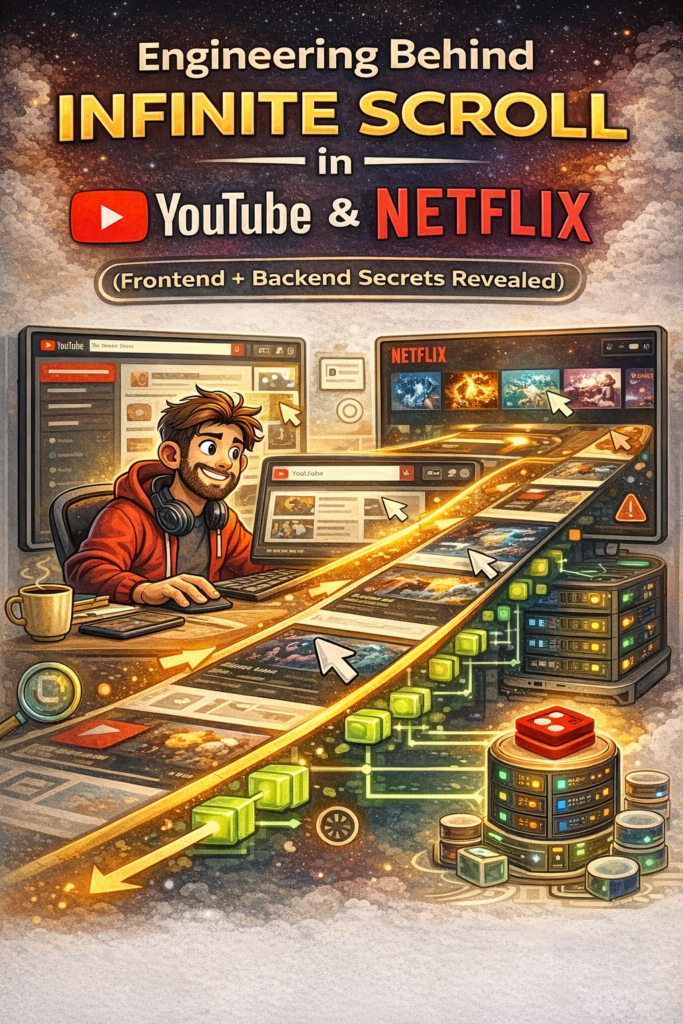
When you scroll endlessly on YouTube, Netflix, or Prime Video, it feels simple and smooth. New videos or shows just keep appearing without any button clicks.
But behind this smooth experience lies complex frontend, backend, and system design engineering working together in real time.
This blog explains — step by step — how infinite scroll actually works, what problems it solves, and why it is hard to build at scale.
1. Why Infinite Scroll Exists
Early websites used pagination:
- Page 1 → Page 2 → Page 3
This caused friction:
- Users had to click repeatedly
- Engagement dropped
- Experience felt slow
Platforms like YouTube and Netflix care deeply about watch time and retention, so infinite scroll was introduced to keep users engaged with minimal effort.
2. Infinite Scroll Is NOT Just Frontend Logic
A common misconception:
“Infinite scroll is just frontend loading more data.”
Reality:
- Frontend decides when to load more
- Backend decides what to load next
- Both must stay perfectly in sync
If either side fails, users see:
- Duplicate videos
- Missing content
- Sudden jumps in feed
3. Frontend Engineering Behind Infinite Scroll
3.1 Detecting When to Load More
Frontend must know exactly when to fetch more data.
Two approaches exist:
Old approach: Scroll event listeners
- Fires too often
- Causes performance issues
Modern approach: Intersection Observer
- Watches when last item becomes visible
- Efficient and browser-optimized
This is what YouTube and Netflix-like UIs use.
3.2 Avoiding Multiple API Calls
If the user scrolls fast:
- Multiple triggers can fire
Frontend protects itself using:
- Debouncing
- Request-in-progress flags
This ensures only one API call at a time.
3.3 User Experience Techniques
To keep UI smooth:
- Skeleton loaders are shown
- Thumbnails are lazy-loaded
- Images are preloaded slightly ahead
Users feel speed, even if backend is still working.
4. Backend Engineering: The Real Complexity
4.1 Why Offset Pagination Fails
Simple backend logic:
GET /videos?page=5
This breaks at scale because:
- New videos are constantly added
- Old videos may be removed
- Data shifts while user scrolls
Result:
- Duplicate or missing items
4.2 Cursor-Based Pagination (Industry Standard)
Instead of page numbers, backend uses cursors.
Response contains:
- List of videos
nextCursortoken
Example:
GET /videos?cursor=abc123
Cursor represents position in a sorted feed, not a page number.
This guarantees consistency even when data changes.
5. Personalization Makes It Harder
On Netflix or YouTube:
- Two users never see the same feed
Backend combines:
- Watch history
- Preferences
- Trending data
- Recommendations
Each scroll request is:
“Give next best items for THIS user.”
This requires:
- Recommendation engines
- Ranking systems
- Fast computation + caching
6. Caching and Performance
Without caching, infinite scroll would collapse.
Systems use:
- CDN for thumbnails
- Redis for feed segments
- Precomputed recommendation batches
This reduces latency and backend load.
7. Handling Failures Gracefully
Things will fail:
- Network issues
- API timeouts
- Partial data errors
Good systems:
- Retry silently
- Show fallback UI
- Never break scroll completely
User should feel slowness, not failure.
8. Why Infinite Scroll Is Hard at Scale
Challenges multiply with scale:
- Millions of concurrent users
- Real-time data updates
- Personalization per user
- Memory management on frontend
A small mistake can:
- Crash backend
- Freeze UI
- Corrupt user feed
9. System Design Interview Perspective
If asked:
“Design infinite scroll feed like YouTube.”
Key points to mention:
- Cursor-based pagination
- Frontend scroll detection
- Caching layers
- Failure handling
- Personalization
Interviewers look for thinking, not code.
Final Thoughts
Infinite scroll looks simple but represents deep engineering maturity.
It combines:
- Frontend performance
- Backend scalability
- Distributed systems thinking
Once you understand this, you’ll never scroll the same way again.
This is how everyday apps quietly solve hard engineering problems.