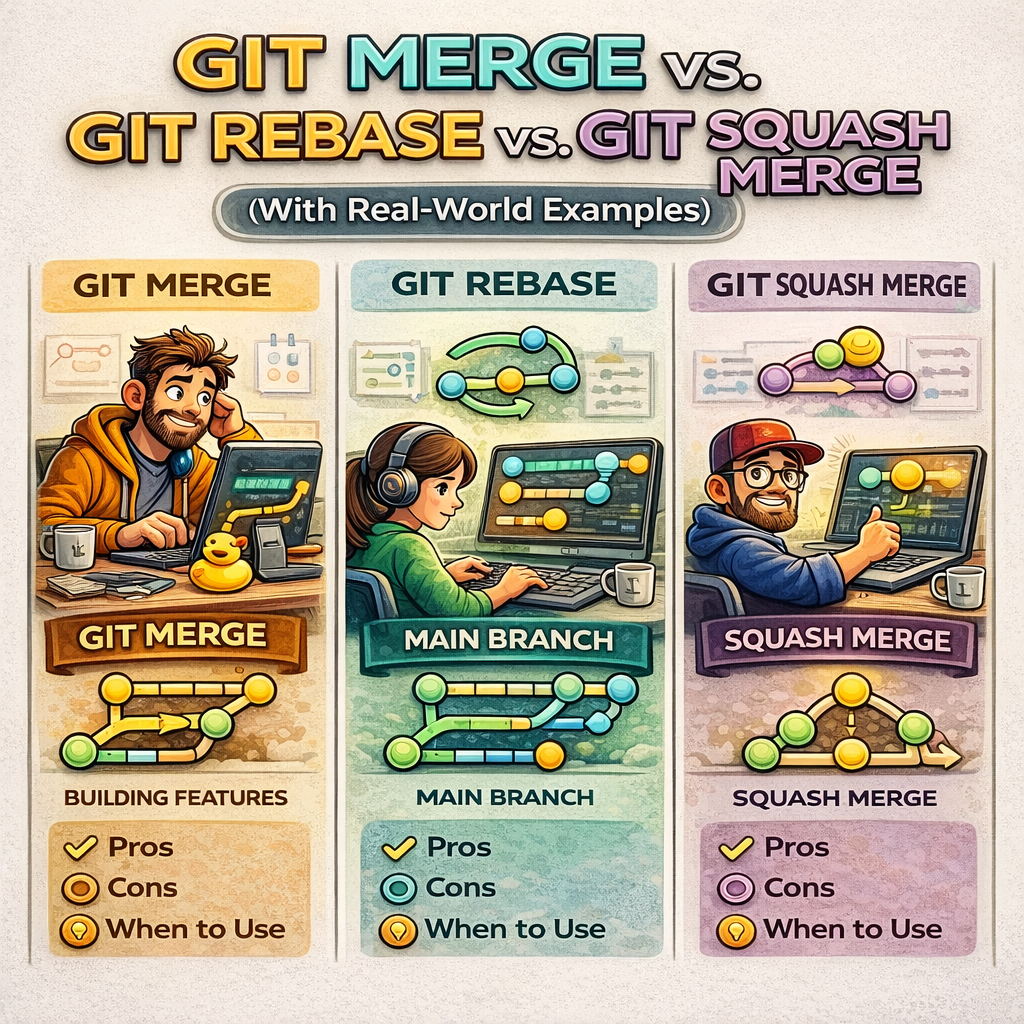
In real software teams, Git is not just a version control tool — it is a collaboration system. How you combine branches directly impacts code history, debugging, rollbacks, and team productivity.
Three concepts confuse almost every developer at some point:
git mergegit rebasegit squash merge
They all combine code, but they do it in very different ways.
This blog explains each one from scratch, with real‑world scenarios, so you clearly know when to use what and why.
1. The Core Problem Git Is Solving
Imagine this situation:
mainbranch = production‑ready codefeature-loginbranch = you worked for 5 days- During those 5 days,
mainalso moved forward
At some point, you must bring changes together.
That’s where merge strategies come in.
2. Git Merge — Preserving Full History
What git merge does
git merge creates a new commit that joins two branches together.
git checkout main
git merge feature-login
What happens internally
- Git keeps all commits exactly as they are
- A new merge commit is created
- Branch history becomes non‑linear
Visual idea
A---B---C----M
     \      /
      D---E
Real‑world example
In large teams:
- Multiple developers work in parallel
- Each feature branch represents real work history
- Merge commits show when and how work was integrated
Pros
- Full history preserved
- Safe and predictable
- Easy to audit
Cons
- Git history becomes noisy
- Harder to read for beginners
When teams use git merge
- Enterprise projects
- Regulated environments
- Teams that value traceability over cleanliness
3. Git Rebase — Rewriting History Cleanly
What git rebase does
git rebase moves your commits on top of another branch.
git checkout feature-login
git rebase main
What happens internally
- Git takes your commits
- Replays them one by one on the latest
main - Old commit hashes are replaced
Visual idea
Before:
A---B---C
     \
      D---E
After rebase:
A---B---C---D'---E'
Real‑world example
You worked alone on a feature branch.
Before opening a PR, you want it to look like:
“This feature was built cleanly on top of latest main.”
Pros
- Linear, clean history
- Easier to read logs
- Ideal for PRs
Cons
- Rewrites history (dangerous if shared)
- Confusing if misused
Golden rule of rebase
Never rebase a branch that other people are using.
When teams use git rebase
- Personal feature branches
- Before creating PRs
- Open‑source projects
4. Git Squash Merge — One Feature, One Commit
What squash merge does
Squash merge combines all commits of a branch into one single commit.
Usually done via GitHub / GitLab:
“Squash and merge”
What happens internally
- Individual commits disappear
- One clean commit enters
main
Visual idea
A---B---C---S
Where S = entire feature
Real‑world example
Your feature branch has commits like:
- fix typo
- fix typo again
- debug logs
- final fix
You don’t want this mess in production history.
Pros
- Extremely clean history
- Easy rollback (one commit)
- Product‑focused history
Cons
- Loses granular commit history
- Debugging old steps is harder
When teams use squash merge
- Startups
- Product‑focused teams
- Fast‑moving codebases
5. Comparison Table
| Aspect | Merge | Rebase | Squash |
|---|---|---|---|
| History | Preserved | Rewritten | Flattened |
| Safety | Very safe | Risky if shared | Safe |
| Readability | Medium | High | Very high |
| Best for | Big teams | Clean PRs | Fast delivery |
6. What Real Teams Actually Do
Most mature teams use a mix:
- Rebase locally
- Squash merge to main
- Avoid rebasing shared branches
There is no single correct answer — only context‑driven decisions.
7. Interview Perspective
If asked:
“Merge or rebase?”
Correct answer:
“It depends on team workflow, collaboration, and history requirements.”
This shows engineering maturity.
Final Thoughts
Git is not about commands — it’s about communication between engineers.
Understanding merge strategies helps you:
- Avoid conflicts
- Maintain clean history
- Work confidently in teams
A good engineer knows how tools behave, not just how to run them.